App Store screenshot studio
Screenshots that
sell your app.
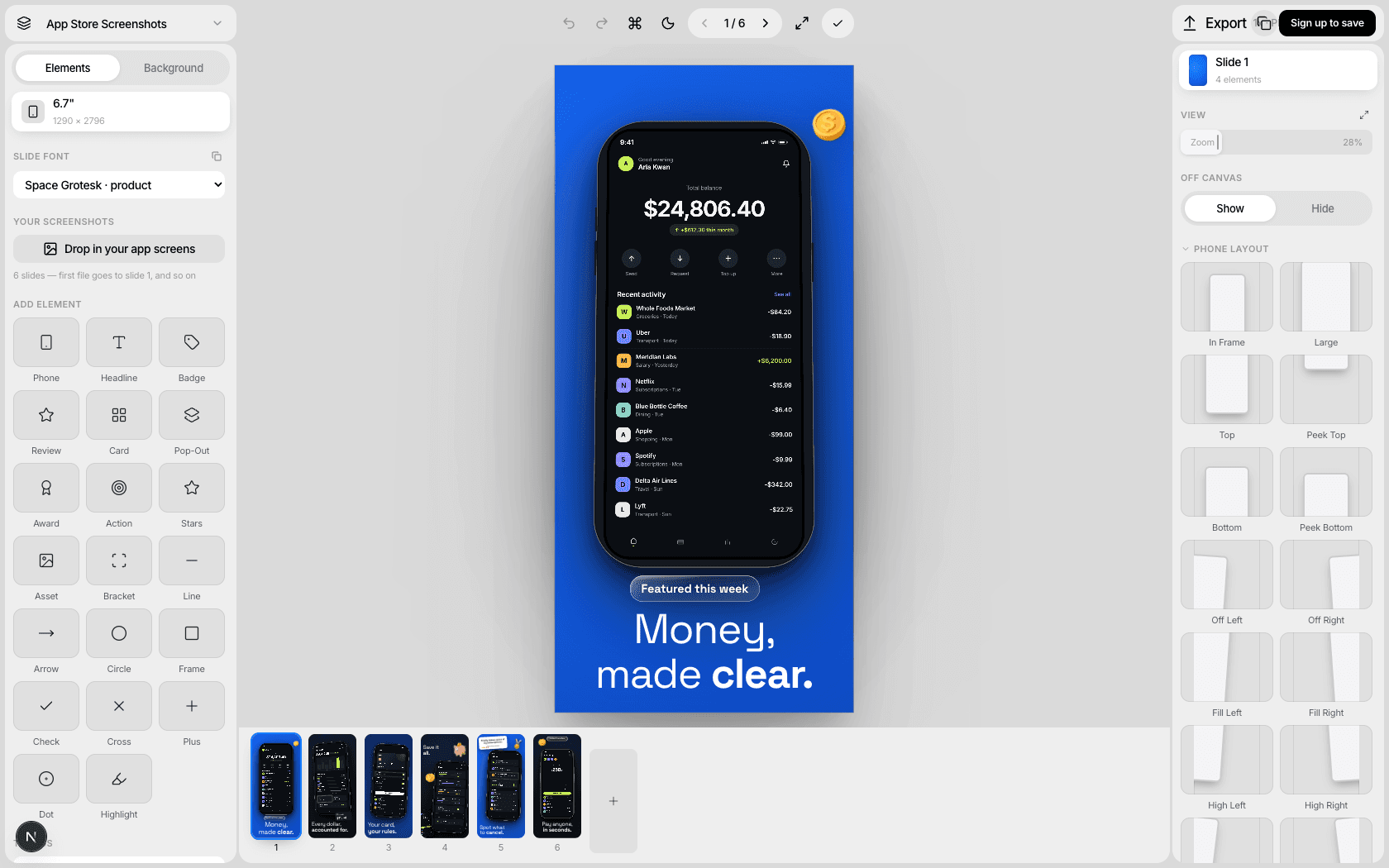
Design polished App Store and Play Store screenshots in minutes. Real device frames, converting layouts, export-ready files — free, in your browser.
No account needed to try it.
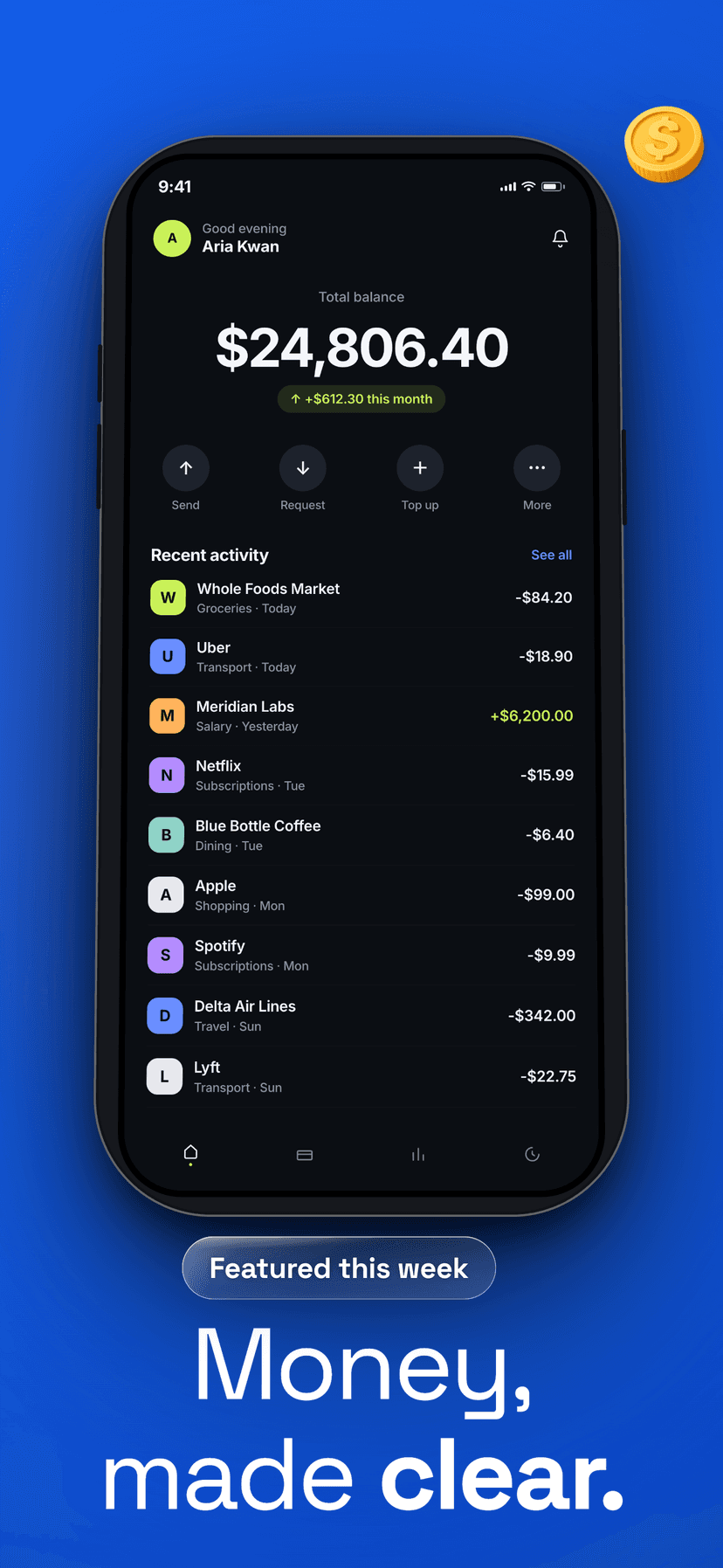
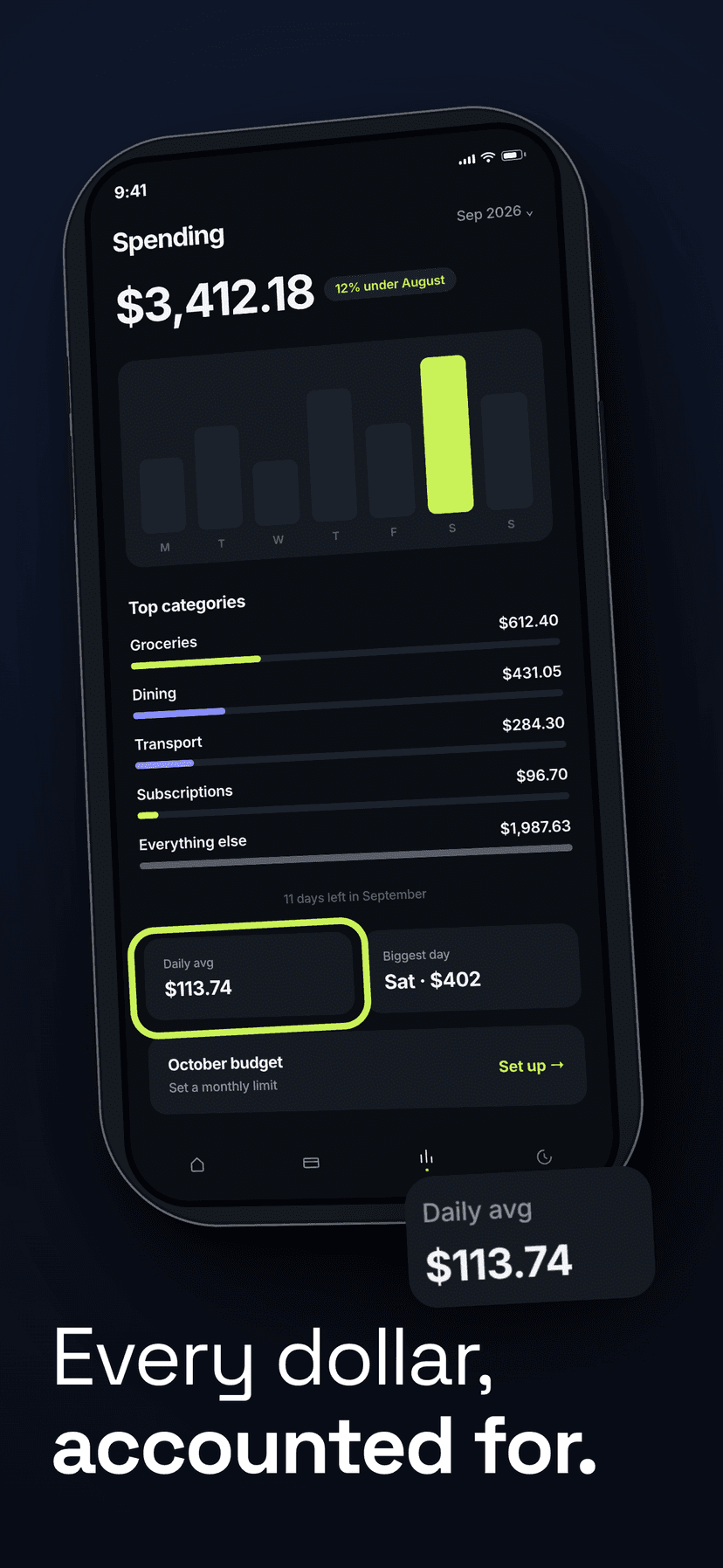
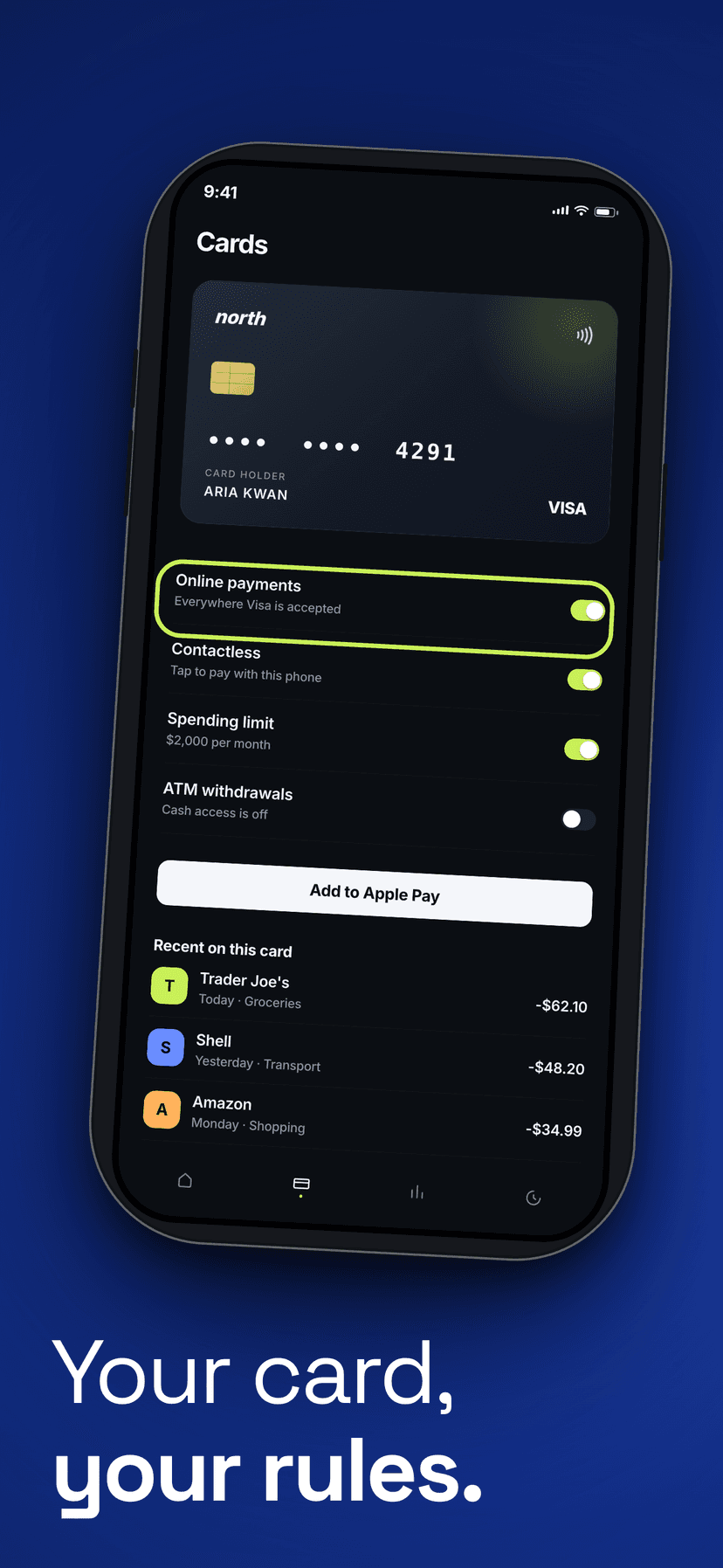
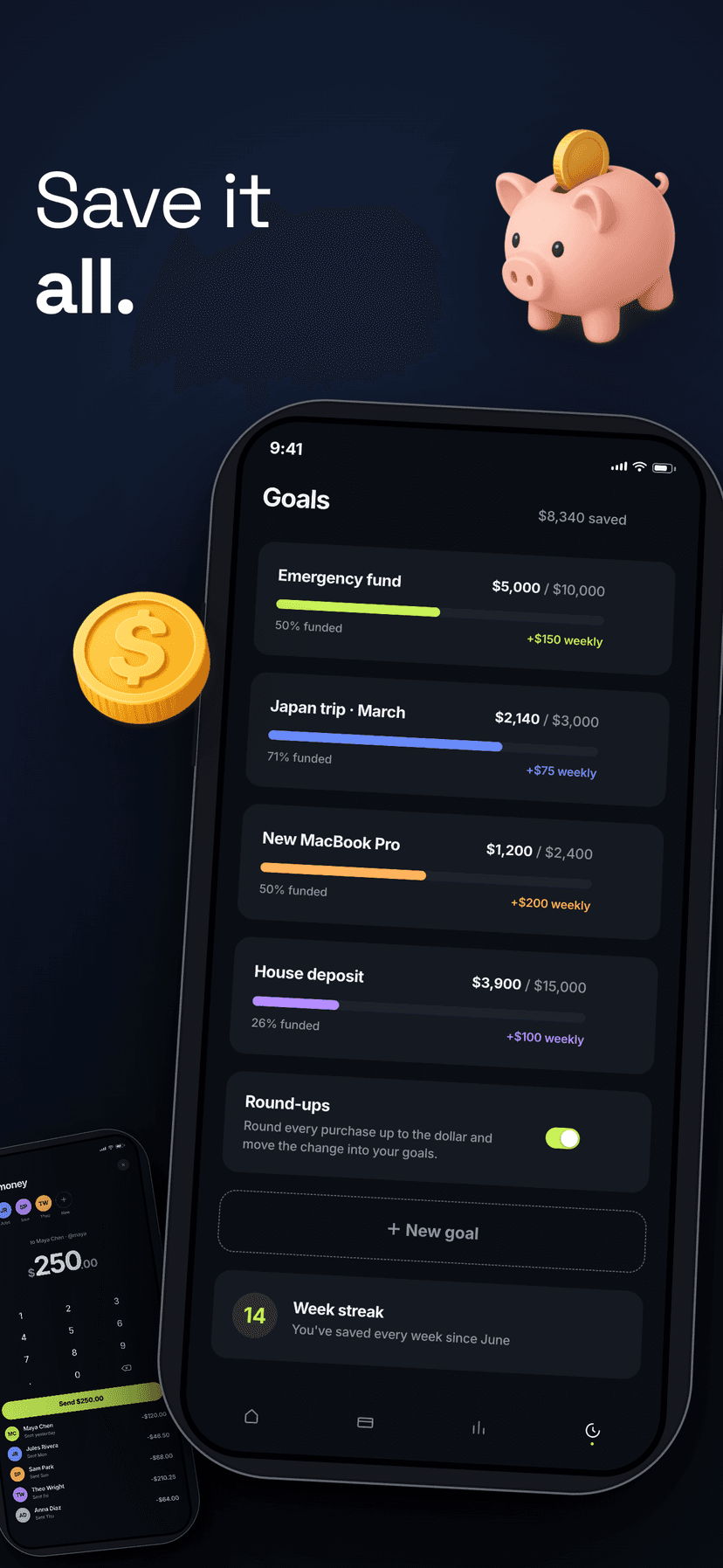
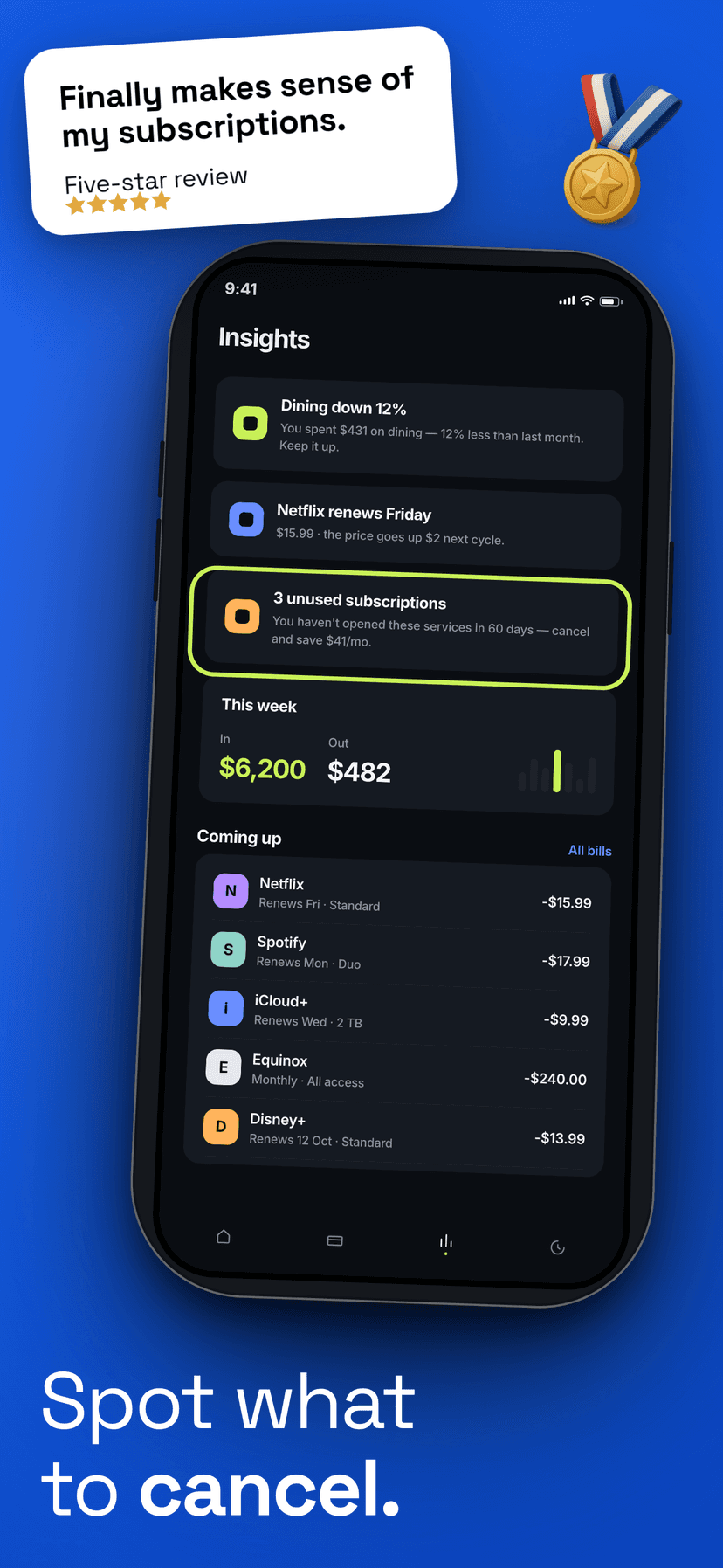
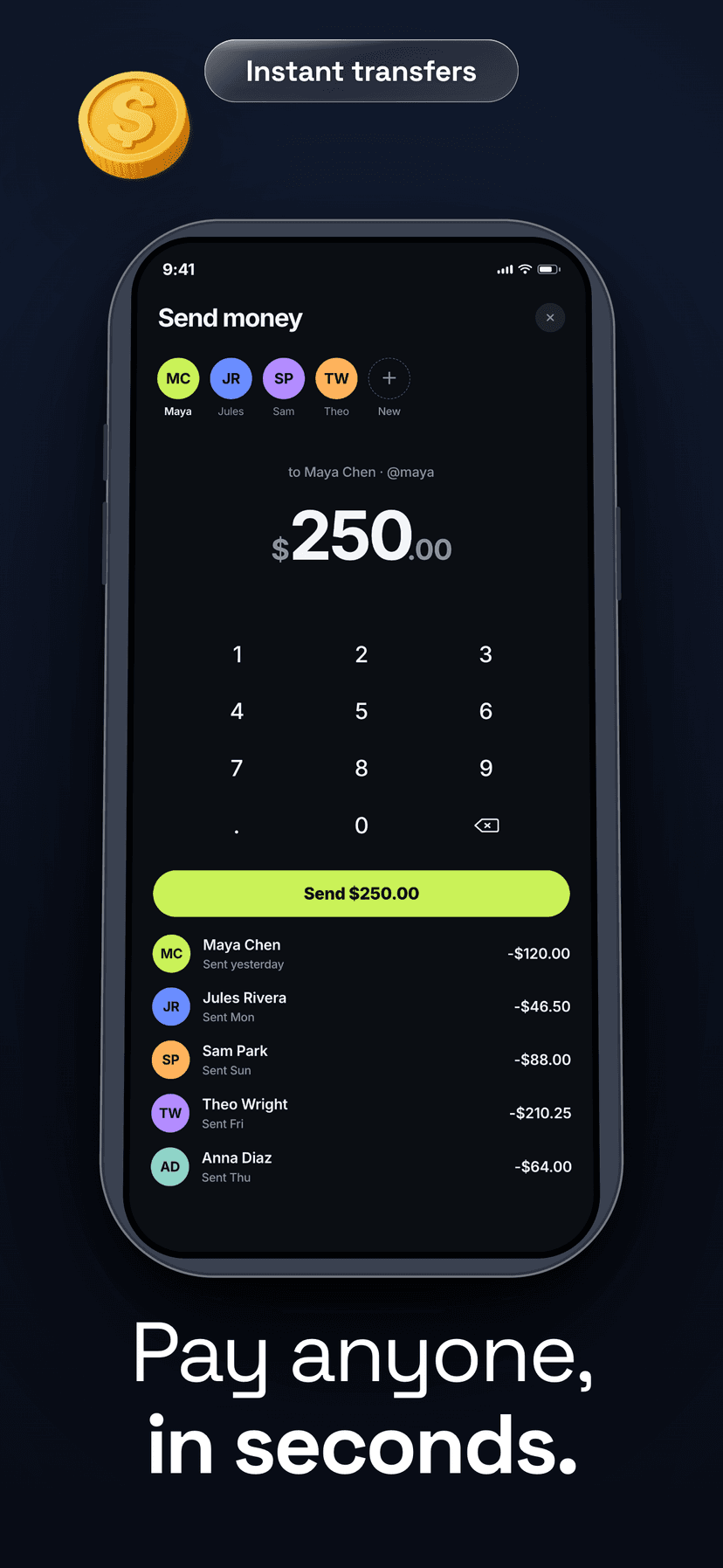
Why it matters
App Store visitors decide in three seconds. Your screenshots are the pitch — the only part of the listing you fully control.
Everything you need
A full studio,
not a template toy.
Real device mockups
Latest iPhone frames with true bezels, Dynamic Island, tilt and shadow controls — not fake outlines.
Headlines that convert
Typography presets, badges, and rating cards tuned for App Store best practices.
A slide-by-slide canvas
A filmstrip of screens, each fully editable — drag, layer, rotate, style. What you see is what ships.
AI backgrounds
Generate on-brand gradient and scene backgrounds with one prompt. Pro feature.
Cloud projects
Your work syncs to your account. Start on one machine, finish on another.
Export-ready PNGs
Pixel-perfect output at App Store and Play Store resolutions, zipped or per-slide.
How it works
Three steps to store-ready.
Drop in your screens
Upload raw screenshots from your simulator or device.
Design the set
Pick a device frame, write headlines, style backgrounds.
Export & ship
Download store-ready PNGs and upload to App Store Connect.
Your next release deserves
better screenshots.
Free to start. No credit card.
Open the editor